
 Español
Create your account
The free account gives 100 tokens a month on three platforms, with the full report. No card needed.
Sign up
Section titled “Sign up”-
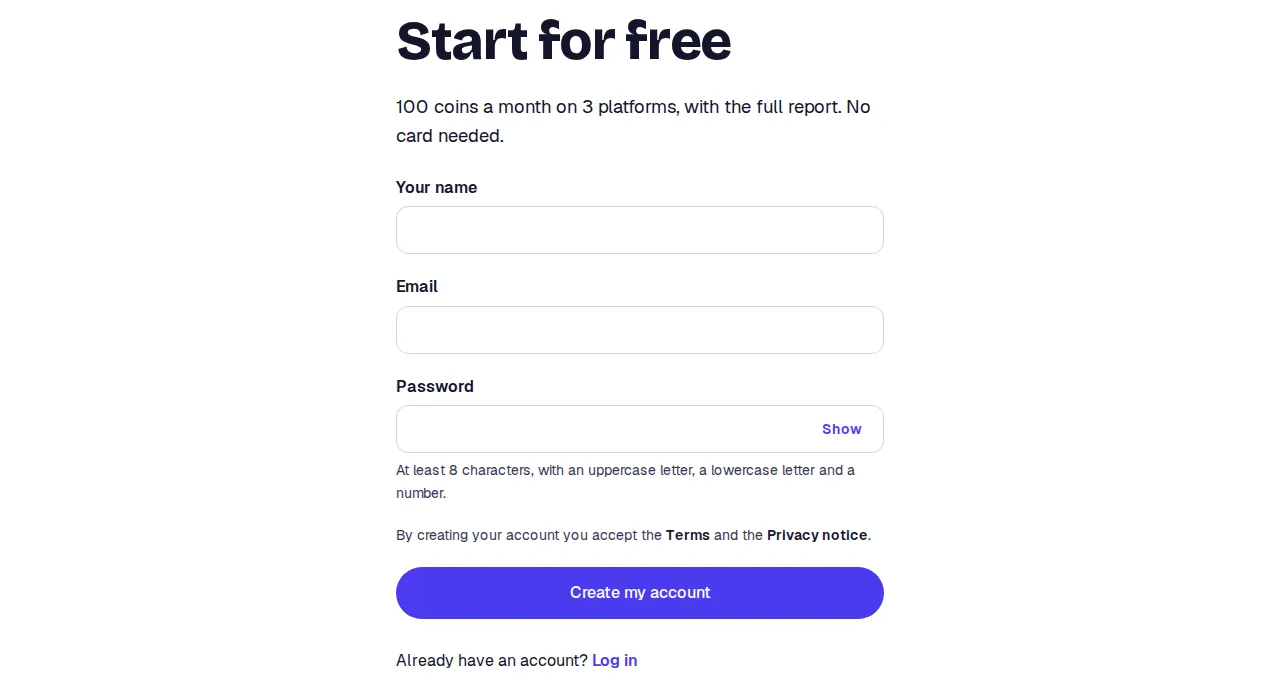
Open Sign up on the site.
-
Type your name, your email and a password. The password needs at least 8 characters, with an uppercase letter, a lowercase letter and a number.
-
Press Create my account. You land on your home page.
If you came from a paid plan, the button says Create my account and pay and after signing up you go to Stripe’s secure page.
Confirm your email
Section titled “Confirm your email”Until you confirm your email you cannot start a search. The Search button stays off and a strip reminds you.
-
Open the email we sent you. Check the spam folder too.
-
Press the link. The Confirm your email page opens.
-
Press Confirm my email. Done.
Language and time zone
Section titled “Language and time zone”Under Account (the last item in the side menu) you set three things:
- Name.
- Language of emails and reports. Spanish or English. It is the language we write to you in. The language of each report is picked separately, in each search’s form.
- Time zone. Dates are shown in it and daily trackings run at 6:00 in that zone.
The site language is changed with the site’s own language switch and does not touch these settings.
Limits
Section titled “Limits”- One account per email.
- No confirmed email, no searches, even with tokens.
- The password is changed under Account, in Your password. If you forgot it, use Forgot your password? on the log-in page.